
Discover Google’s Notebook LM features, including new audio overviews in Deep Dive, Brief, Critique, and Debate formats. Enhance your content with conversational discussions, expert reviews, and multiple perspectives.
Table of Contents
New Audio Overview Formats
Google’s Notebook LM has introduced five new features, significantly enhancing its utility.
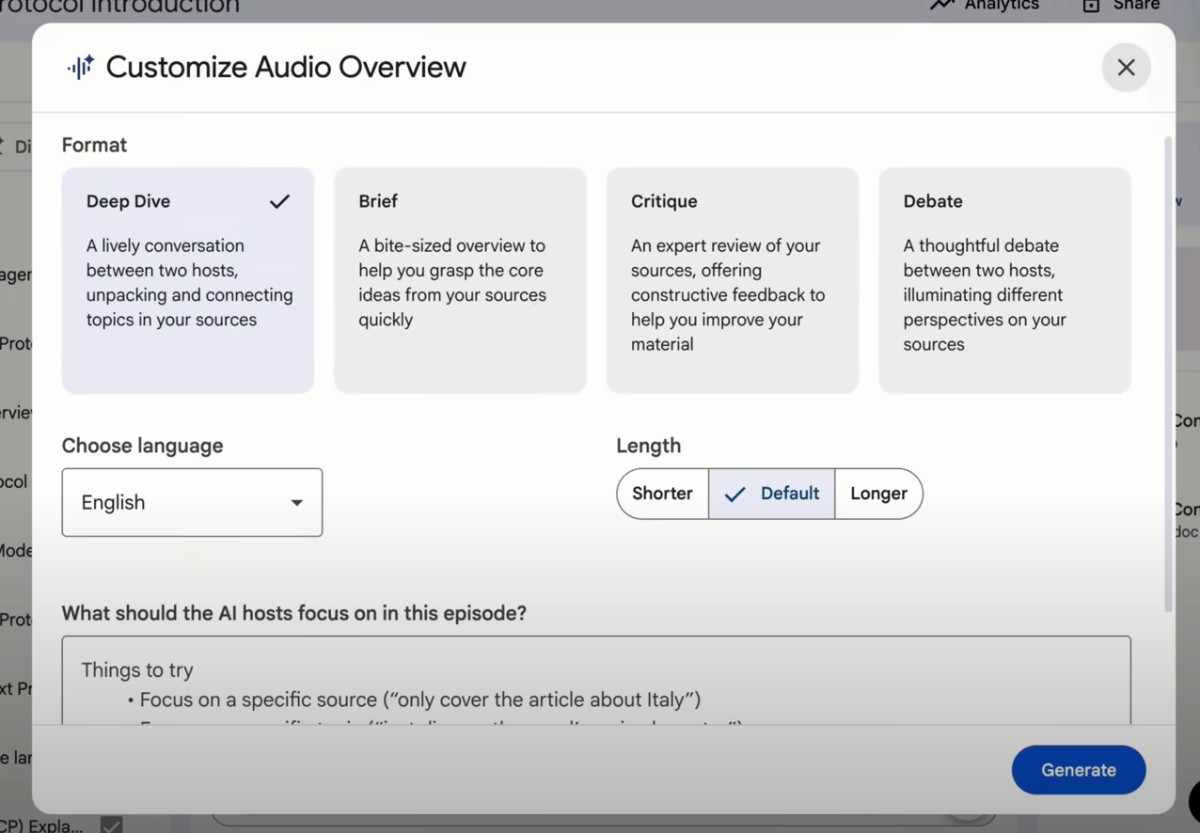
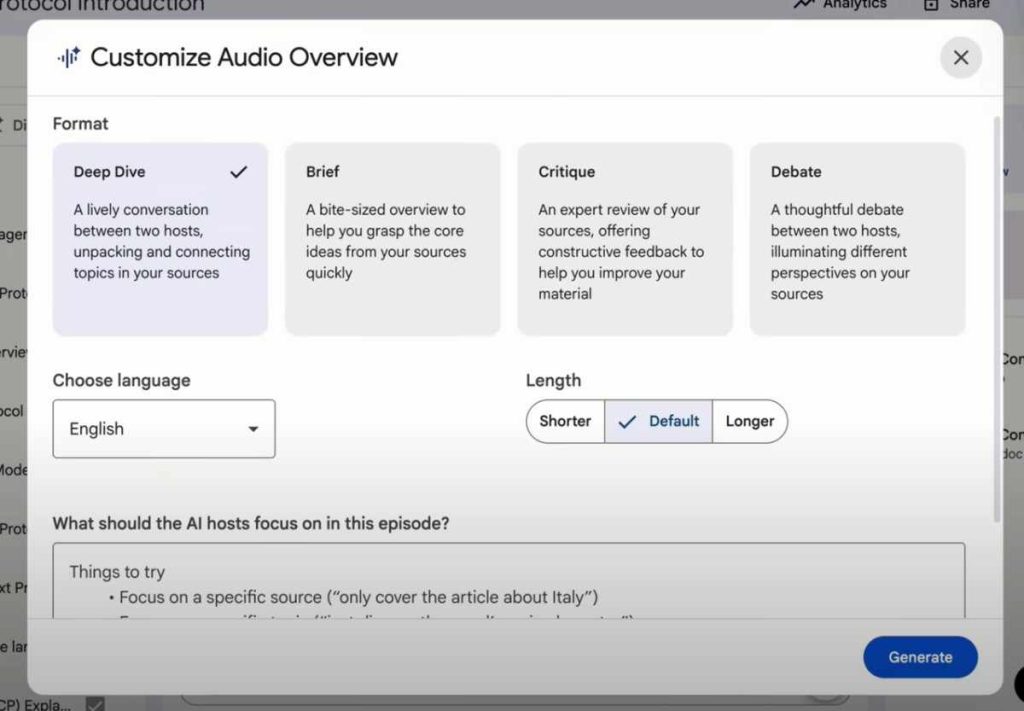
The first major update concerns audio overviews, which now offer several format options. Users can select “Deep Dive” for a conversational, multi-host discussion of topics, “Brief” for a concise summary of core ideas, or “Critique” for an expert review with constructive feedback. Additionally, a “Debate” format presents differing perspectives on the source material through a discussion between two hosts.
Audio Overview Customization and Languages
Further customization is available for the audio overview formats.
- For the “Deep Dive” option, users can choose between short, default, or long durations.
- The “Brief” format is inherently short.
- “Critique” and “Debate” offer short and default lengths, with the default setting recommended for longer outputs.
Users can also specify what aspects the hosts should focus on within the audio overview by providing a detailed prompt.
The tool now supports over 80 languages for generating these audio overviews, enabling the creation of content in diverse linguistic formats.
Enhanced Source Discovery and Selection
Notebook LM now allows users to discover additional sources from the web or their Google Drive.
- The “I’m feeling curious” option provides random sources.
- The “Add” function permits uploading up to 300 sources across various file types.
A key improvement is the ability to select specific sources to be used for generating an audio overview, rather than using the entire catalog.
Once generated, these audio overviews can be easily identified by their chosen format (e.g., “Deep Dive,” “Critique”) and can be played, renamed, downloaded, shared, or put into an interactive mode.
Interactive Audio Overviews
The new interactive mode for audio overviews allows users to join the ongoing podcast-style discussion.
If a user clicks “join” while the hosts are speaking, they can interrupt the conversation to ask questions, seek clarification, or request further context.
The system will then refer back to the original sources to provide an answer, making it possible to interact with content that would otherwise be static, such as YouTube videos or existing podcasts.
Customizable Video Overviews and Language Support
A third significant update is the ability to customize video overviews.
Similar to audio overviews, these can now be generated in over 80 languages. Users can also specify the focus of the AI host, a customization not previously available.
This feature is useful in these cases:
- YouTube videos
- Onboarding materials
- Introduction videos
- Sales pitch videos
Example of Video Overview Creation
To demonstrate this feature, a new notebook was created focusing on “voice agents.”
After importing relevant sources, a video overview was requested with a specific focus on “how to create and train voice agents.”
The system then generated a video from these sources, including custom graphics and explanations of the process.
This capability allows users to create their own tailored video content efficiently, saving time compared to manual research and production.
New Report Generation Options
Notebook LM has added four new report generation types:
- Briefing documents – useful for onboarding or summarizing information.
- Study guides – can be created from uploaded class materials.
- FAQs – suitable for websites or team training.
- Timelines – helpful for historical content or analyzing YouTube videos.
The existing mindmap feature remains available for visualizing information from various sources.
Enhanced Sharing and Analytics
The platform now offers improved sharing capabilities, allowing notebooks to be shared similarly to other Google Workspace files.
Users can:
- Add a welcome note.
- Specify access levels, such as “chat access only” or “full notebook,” which is beneficial for collaborative learning or information sharing.
Additionally, analytics are now available, providing insights into user interaction with notebooks, provided the notebook has been shared with at least four other users and has chat history within the last seven days.